Custom map art for makers

Turn any city into handcrafted wall art.

Design layered, laser-cut city maps with full control over roads, rivers, and buildings. Export production-ready files without ever switching tools.

SVG export
Cut & engrave layers
Any city
Any size
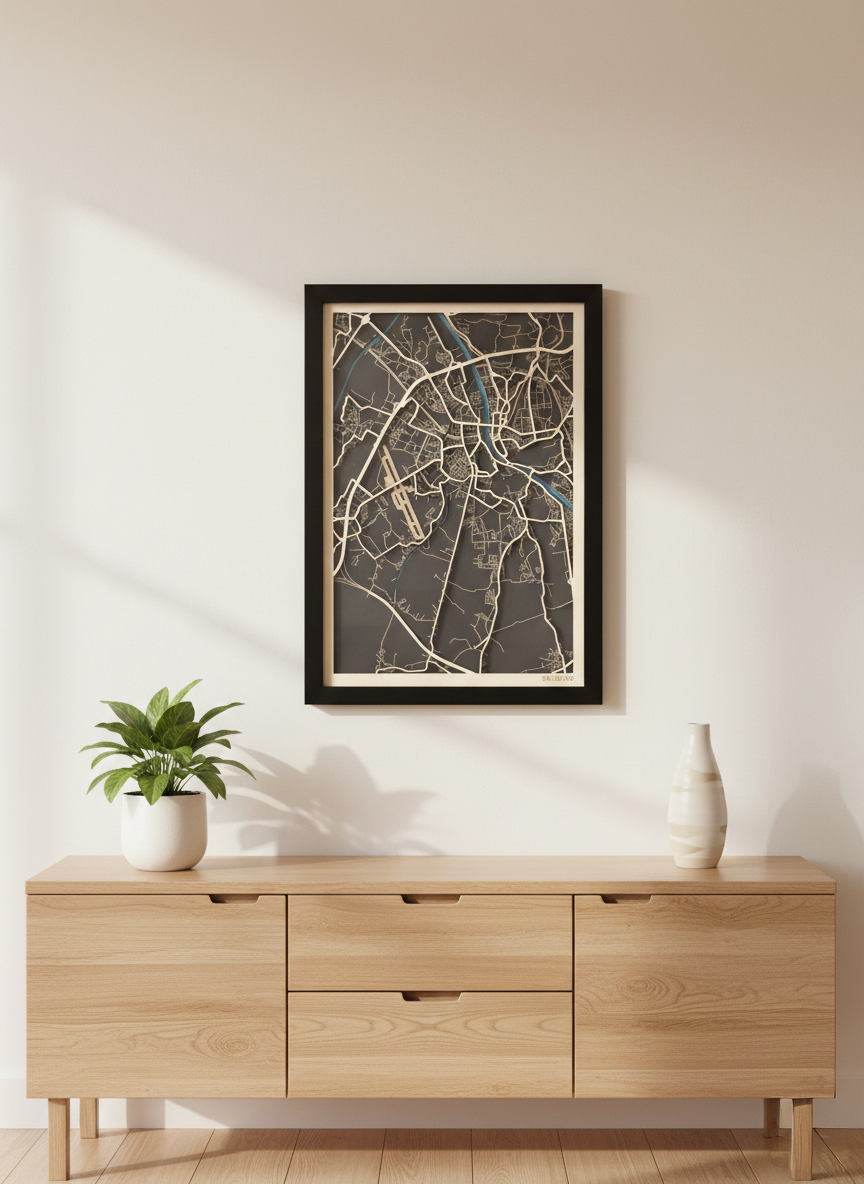
Framed custom Salzburg layered map artwork displayed in a modern interior above a wooden sideboard
Salzburg, Austria

3-layer laser-cut

How it works

Three steps from
city to finished piece.

No GIS knowledge needed. No tool-switching. Just pick your city, design the layers, and export files your laser cutter understands from day one.

1

Choose your city

Search any place in the world. Set your frame size, orientation, and map extent. The design starts here.

2

Build your layers

Control roads, rivers, buildings, and borders individually. Assign each to cut or engrave operations. Fine-tune line weights and zoom ranges.

3

Export and cut

Download grouped SVG files organized by operation. Open in LightBurn, Inkscape, or your machine software and start cutting immediately.

The finished object

Designed to look premium on the wall.

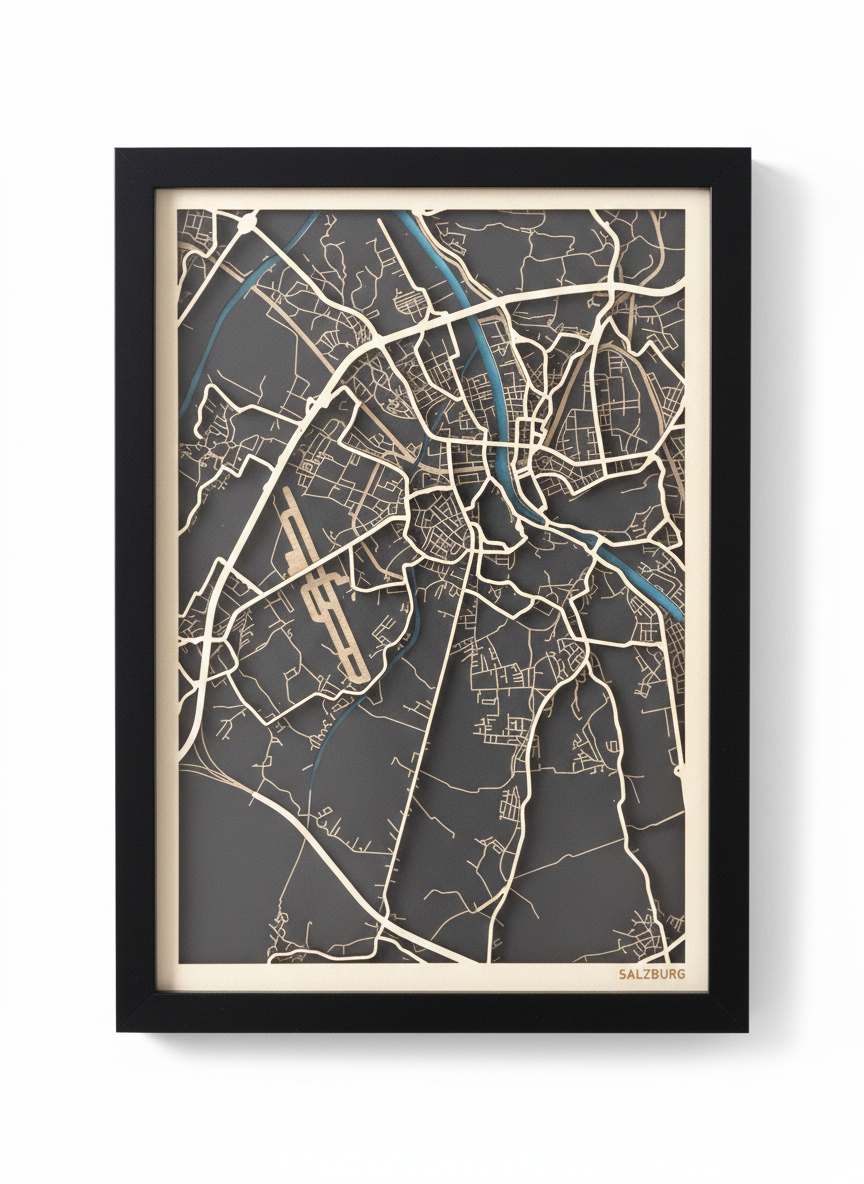
Before you cut a single line, preview your composition as finished wall art. Adjust road weight, river color, and frame margins until everything feels right. What you see is what you hang.

  • • Real-time preview while editing each layer
  • • Better balance between road density and negative space
  • • Cleaner framing before export
Studio product shot of framed Salzburg laser-cut city map with wooden roads and turquoise river accents

Built for speed

From blank canvas
to export-ready
in minutes.

The tool is designed around one goal: get you to a production file fast. No learning curve, no subscriptions to other software, no manual layer cleanup before you can cut.

< 2

Minutes to first design

Cities supported

3

Layers in a typical map

1

Tool for the whole workflow

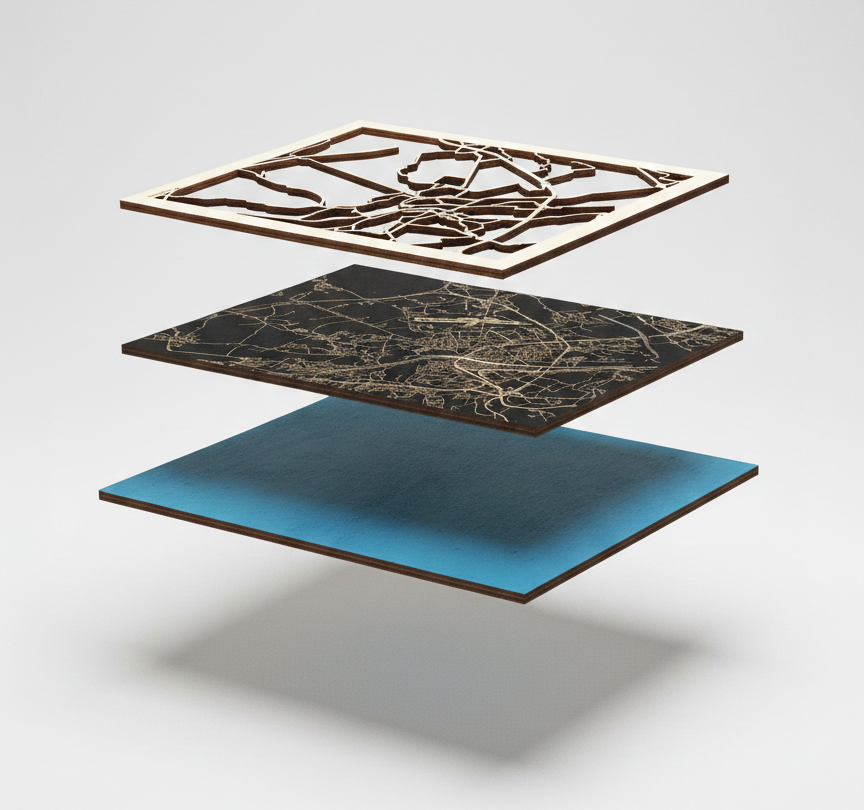
Exploded construction view showing glass, frame, wooden road layer, engraved base layer, and turquoise accent layer

Layer construction

Every layer,
exactly where
it belongs.

See how your map stacks physically before you fabricate it. Roads cut from light plywood sit above a dark engraved base. A colored accent layer adds depth. The software shows you what to machine and in what order.

  • Road network Cut
  • Street detail & base Engrave
  • River & accents Layer
  • Frame & border Cut

Ready to build yours?

Your city.
Your craft.

Start with any place in the world. Design the layers, preview the result, export the files. Your next wall piece is closer than you think.